
The balance sheet
See your assets and liabilities at the end of a period, including the profit or loss carried into liabilities, with an optional year comparison and CSV or PDF export.
The balance sheet (Bilanz) is a snapshot of what your business owns and owes at the end of a period. Assets appear in the 1-series account groups and liabilities in the 2-series.
Open the balance sheet
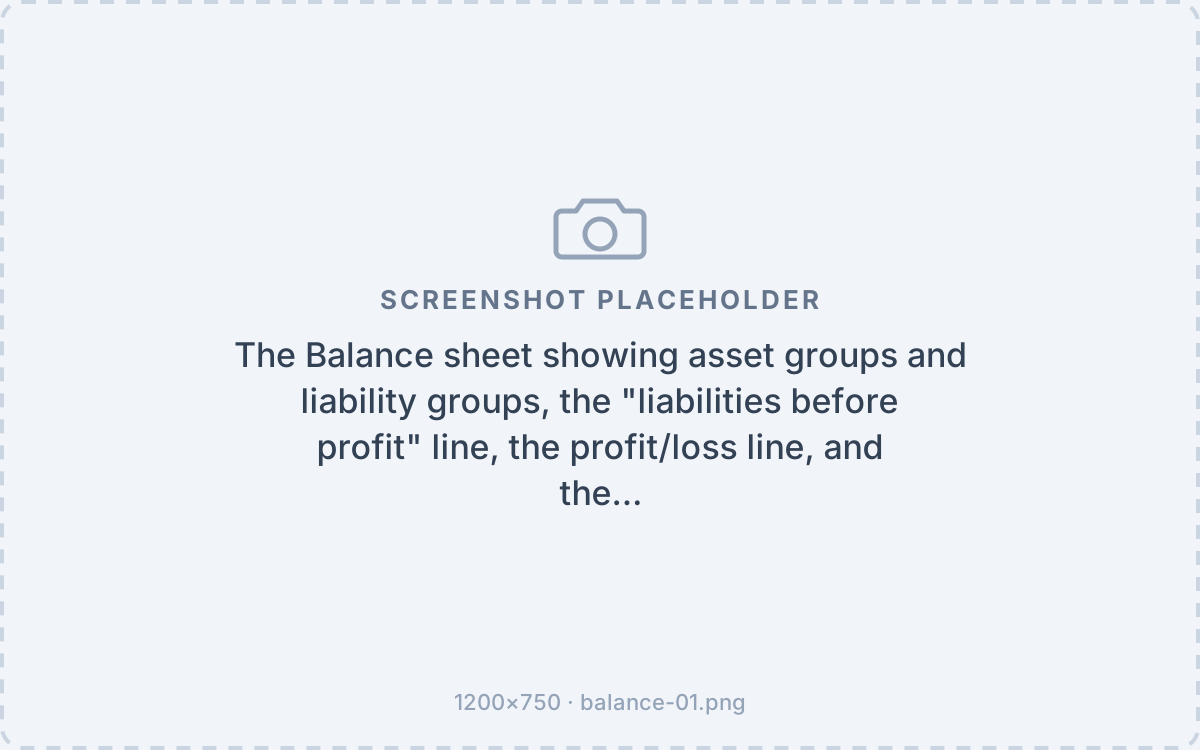
Go to Finance → Balance. It opens on the current booking year and lists your asset and liability groups with their balances in your default currency. Vinosoft adds the liabilities before profit subtotal, then the period profit (or loss), so that total assets equal total liabilities.
Change the period and filters
- Period — set a date from and date to to value the balance at any point in time.
- Account group — narrow the sheet to a single account group.
- Compare with previous year — turn this on to place the previous year's balance next to the current one, with the percentage change.
Only accounts with a balance in the period are shown.
Export
- Export to CSV downloads the balance as a CSV file.
- Download PDF produces a formatted PDF headed with your company name and address.
Related: Finance. See also The profit and loss statement and Accounts and the chart of accounts.
Was this article helpful?