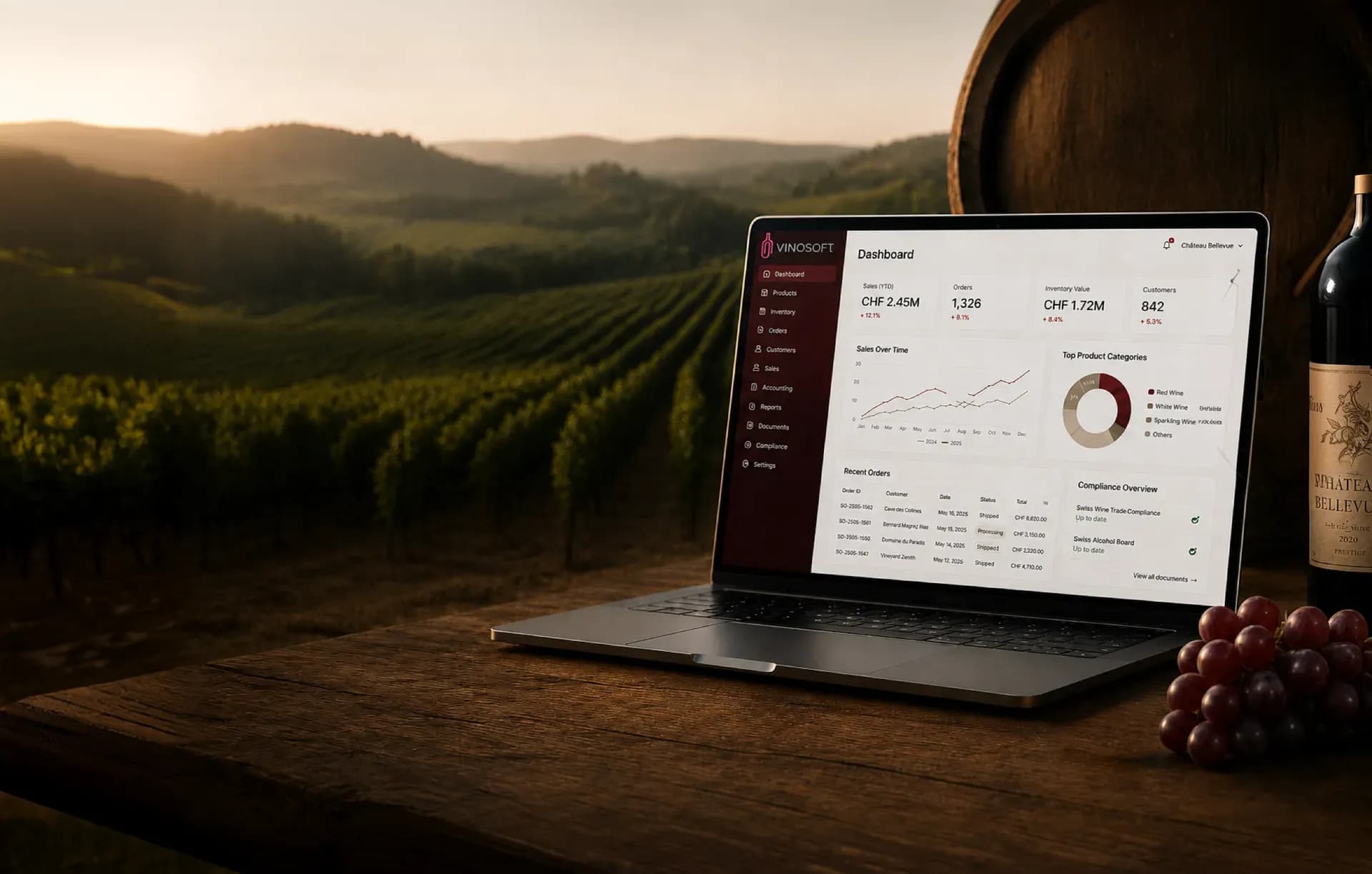
Wine Inventory Software With Vintages and Storage Locations
Your catalogue and your stock in one place: every wine with its vintage, producer and prices, every bottle accounted for across as many storage locations as you keep.
Stock that moves when the paperwork does
The reason stock figures go wrong is rarely counting. It is that the counting happens in one system and the selling in another, so every delivery note is a posting somebody still has to make. In Vinosoft the document is the posting. An order confirmation reserves the bottles, the delivery note or invoice takes them out of stock, a credit note books a return back in, and a supplier delivery checked against its purchase order books the goods in. The figure on screen is the figure in the cellar.
What the article module holds
- Articles with the attributes your trade needs — vintage, producer, region, colour, bottle size, alcohol, appellation — and custom fields you define yourself
- A barcode per article, typically the EAN on the label, which is also what the Galaxus feed sends as the GTIN
- Several storage locations, so cellar, warehouse and shop stock are separate numbers rather than one hopeful total, each with its own shelf or bin per article
- Stock in and out, including quick booking for several articles at once
- Purchase and retail prices, prices per customer group, quantity discounts and special prices for individual customers
- Multi-currency pricing for the customers who buy in euros
- Categories and manufacturers, plus price lists printed straight from the catalogue
- Import and export through Excel, for the initial load and for bulk price changes afterwards
One article per vintage
A 2022 and a 2023 Pinot Noir are not the same wine, so in Vinosoft they are not the same article. Each vintage, and each bottle size, gets its own article number, its own stock and its own prices. The article list filters by vintage, so last year's leftovers are one click away. For the webshop, the vintages and sizes of a wine sit together under one product as variants, and a new vintage starts as a copy of the previous one.
Reorder before the shelf is empty
Set a minimum stock per article and storage location, and Vinosoft shows the figure in red as soon as you drop below it. The minimum stocks view lists everything that is short, with the supplier, the quantity already on order and the shortfall. From there you turn the list into a purchase order for that supplier, priced at the purchase price and in the supplier's currency.
Once the order goes out by email or on paper, the expected quantity shows as incoming. When the pallet arrives you run the purchase order check, confirm what actually came, and the bottles are booked into the target storage location in one step.
A stock-take without the clipboard
Inventory day usually means a printed list, figures in the margin and an evening retyping them. In Vinosoft:
- Open the inventory, filter it to the storage location or the articles you are counting today.
- Count, and enter the difference against each line — plus for bottles you found, minus for bottles that are gone.
- Give the correction a date and a text, such as "Stock-take 31.12."
- Save. Every line becomes a stock movement, grouped under one correction.
The list exports to Excel or CSV if somebody wants to count on paper after all, and the correction history keeps who booked what. A mistake in last year's count can be corrected in the history rather than hidden behind a new posting.
Knowing what the cellar is worth
The stock movement log shows every income and outcome per article with a running balance, per storage location and in total. Stock value multiplies the quantity on any date you choose by the purchase price, article by article, and exports as a PDF for your trustee. Set it to 31 December and you have the figure the year-end accounts ask for.
Deposit on bottles and crates
If you sell in returnable bottles or crates, the deposit module, enabled per account, counts them for you. Link an article to its bottle deposit and, if you like, to the crate it travels in with the number of bottles per crate. Order confirmations, delivery notes and invoices then work out how many bottles and crates went out, round crates up, take the ones that came back and charge the balance on the document.
Feeding the rest of the system
Articles are the master data everything else draws on. Quotes and invoices take their line items, prices and VAT from here. The webshop and the till, where you use them, sell from the same stock, and a shop article can carry a minimum order quantity and a step, so a wine is sold by the six. The statistics report sold articles, purchased products, margins and turnover per storage location from the same records. Enter a wine once, and it is correct everywhere it appears.
How businesses work with it is shown on the pages for wineries, wine merchants and distributors and importers.
Bottles that come back
Not every bottle stays sold. With the product defects module enabled, a corked or broken bottle is reported against the invoice line it was sold on, with customer and quantity, followed from open to in progress to complete, and printed as a report when a producer needs to see the evidence. If the bottle goes back to stock, the credit note books it back in, so the count and the reason for it stay together.
Read the documentation
- Create and manage articles — adding a wine, minimum stocks, import and quick booking
- Manage storage locations — setting up cellar, warehouse and shop
- Create a purchase order — ordering and booking the delivery in
- Stock movements — the full log of income and outcome
- Inventory (stock-take) — counting and correcting
- Stock value — valuing your holding on a date
- Track product defects — corked, broken and returned bottles
Frequently asked questions
Can I import my articles from Excel?
Yes. The import reads an Excel file, lets you map its columns to Vinosoft's fields and shows a preview before it runs. Articles are matched by article number: existing ones are updated, new ones created. Besides descriptions and prices it takes vintage, size, colour, categories, customer group prices, custom fields and the stock per storage location, booking the difference as a movement. See Create and manage articles.
How are vintages handled — is each vintage a new article?
Yes, each vintage is its own article with its own number, stock, purchase price and retail price. That is what keeps stock value and margins correct across vintages. The article list filters by vintage, and in the webshop several vintages and bottle sizes of the same wine can be grouped under one product as variants, so customers see one wine with a choice. See Manage shop products and variants.
Can I manage several warehouses or storage locations?
Yes, as many as you keep: home cellar, external warehouse, shop. Stock, minimum stock and the shelf position are kept per article and location. Purchase orders name the location the goods are booked into, the stock movement log filters by location, and turnover can be reported per storage location. See Manage storage locations and Turnover by storage location.
Do the webshop and the till use the same stock?
Yes. A webshop order reserves the bottles from the same stock the back office sees, and till sales are turned into invoices that book the stock out like any other invoice. There is no second inventory to keep in step. Both the webshop and the till are modules of their own, so they appear only once they are set up for your account.
Can I keep the cellar book and file the SWK declaration?
Vinosoft has a cellar accounting module for producers: grape lots, pressing, blending, bottling, vessels, analyses and the year-end close, with bottling booking the bottles straight into article stock. It is enabled per account, so ask us if you need it. For Swiss accounts, the SWK report produces the year-end inventory with Formular A and Formular B as PDF. See The SWK wine trade control report.