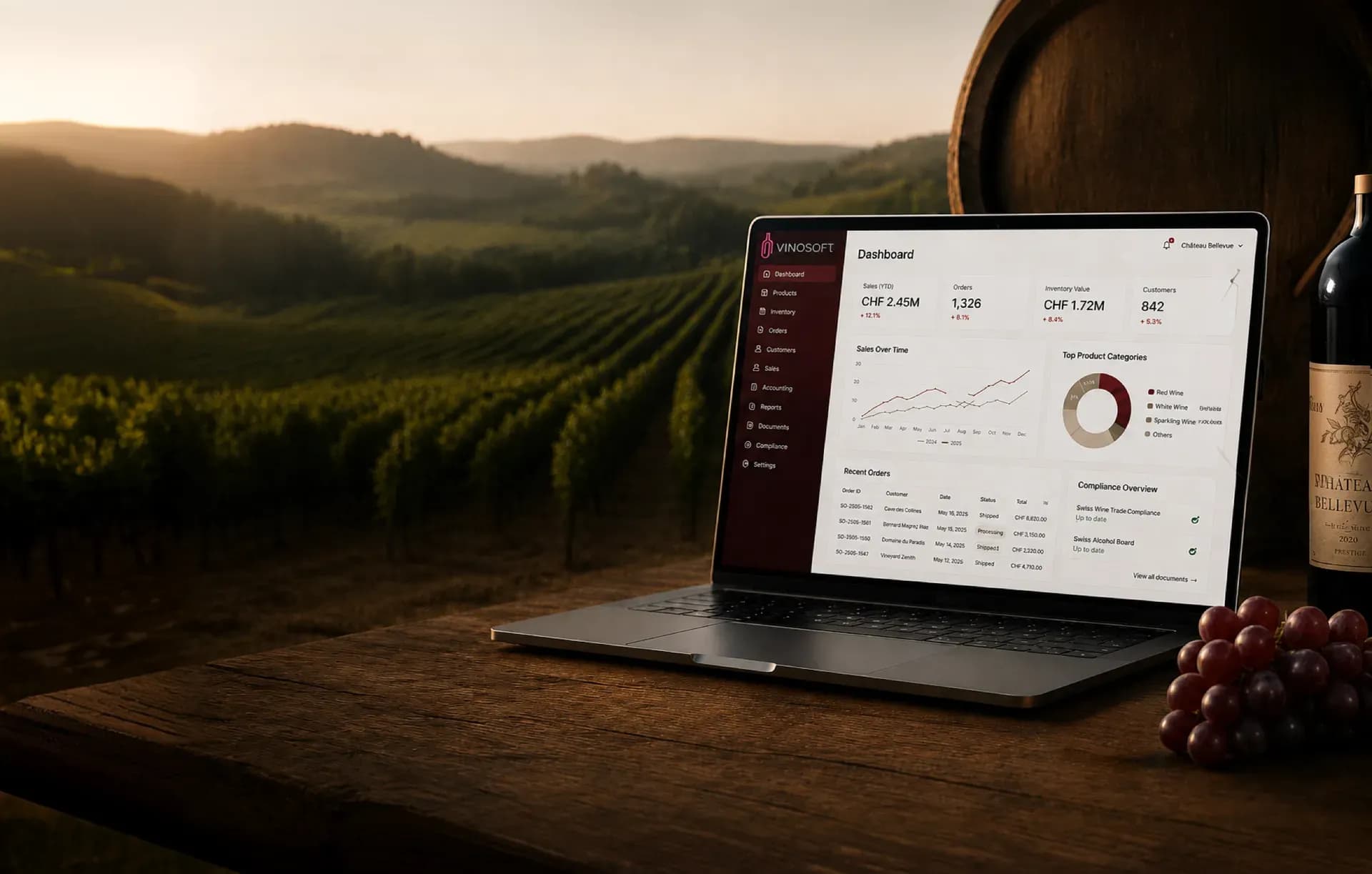
Wine Sales Statistics and Swiss Compliance Reports
Standard reports on the data you already entered: turnover by customer, producer, supplier or seller, margins and stock, and the Swiss compliance declarations that would otherwise be a week of spreadsheet work.
Reports you do not have to build
Every business intelligence project starts with the same discovery: the numbers exist, but nobody can get at them without an export. Vinosoft ships the reports instead. Each one is a view over the documents you posted, with the filters you actually use — period, customer, seller, supplier, storage location, category — and an export to Excel or PDF at the end of it.
Sales and margin
- Turnover by customer, by manufacturer, by supplier, by seller, by user group, by storage location and by POS till
- Turnover per period as a line chart, with one year compared against another
- Sold-articles overview: how many units of each wine went out and for how much
- Profit margin and contribution margin, so volume is not mistaken for profit
- Sales pipeline: the value of your open quotes, grouped by customer
- Payment practices: how long each customer really takes to pay
Every figure drills through. Click a customer in the turnover report and the invoices behind the number are listed; users with restricted access see only their own sales, which is what makes a seller report usable in a meeting.
Stock and purchasing
Stock movements, stock value on a date, the inventory count and the purchased-products report cover the other side of the ledger — what you bought, what it is worth, and what is standing still.
The Swiss declarations
Two reports exist because Switzerland requires them, and they are the reason a general-purpose ERP fails a wine business. The wine trade control (SWK) declaration produces the detailed inventory with Formular A and Formular B, plus the yearly wine sales report, as PDF or Excel. The EAV spirits summary produces the annual figures in litres of pure alcohol, with a drill-down per spirit account.
Both are generated from the same articles, deliveries and invoices as everything else. There is no separate register to keep, and no reconciliation between what you sold and what you declared.
Exports that leave the building
Reports are read on screen and then sent to someone: an accountant, a bank, a producer, a partner. Every list exports to Excel with its running total, every report renders as a PDF, and the report screen lets you pick several reports for one period and generate them as a single document to print or send. The partnership reports do the same for quotes and order confirmations closed in a period, per seller, which is the pack a sales review actually needs.
Read the documentation
- Generating a report — picking reports and periods into one PDF
- Turnover by customer — and the other turnover breakdowns beside it
- Sales pipeline — the value of what is still open
- The SWK wine trade control report — Formular A and B
- The EAV spirits report — the annual spirits summary