26 May 2025
Update from 26.05.2025 copied shop order details page to a separate order success page that is shown after checkout is completed. Manage/OrderDetails.liquid → Checkout/OrderSuccess.liquid.
Shop owners can now customize checkout experience with necessary texts and/or third-party integrations, such as Google Customer Reviews
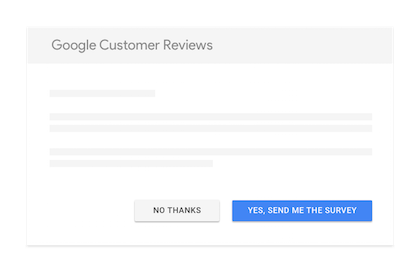
Paste following code to the end of Checkout/OrderSuccess.liquid template and replace merchant_id value.
<script
  src="https://apis.google.com/js/platform.js?onload=renderOptIn"
  async
  defer></script>

{% assign expectedDeliveryInDays = 5 | times: 24 | times: 60 | times: 60 %}

<script>
  window.renderOptIn = function() {

    window.gapi.load('surveyoptin', function() {

      window.gapi.surveyoptin.render(
      {
        "merchant_id": "1111111111",
        "order_id": "{{ model.Number }}",
        "email": "{{ model.PrimaryAddress.Email }}",
        "delivery_country": "{{ model.PrimaryAddress.CountryCode }}",
        "estimated_delivery_date": "{{ model.created_at | date: "%s" | plus: expectedDeliveryInDays | date: "%Y-%m-%d" }}",
      });
    });
  }
</script>
Note: This is a breaking change for Google Tag Manager users, who use /manage/orderdetails path as checkout completion path. It needs to be updated to /checkout/ordersuccess.